
Capture
Photograph the property
Photograph every space, fixture, surface, and movable item you want to inspect.
FurnitureKitchenwareFixturesAppliancesSurfaces
Guided mobile inspections
Mono turns photos into a structured inventory that guides inspectors visually through every space and item.
Photograph every space, fixture, surface, and movable item you want to inspect.
AI identifies each photographed item and creates a structured inventory record for you.
The inventory becomes the inspection guide. Anyone can confirm the latest condition or document what has changed.
Create a complete, timestamped inspection record and share it with every participant by email, web link, or PDF.
The inventory as a customizable flow
Mono guides inspectors through the actual inventory, space by space and item by item, using large item photos and the latest recorded values for inspectors to verify or update
Guide tenants through the property when they receive it and document its condition at the beginning of the tenancy.
Compare the property against its existing record and document new damage, cleanliness issues, missing items, and quantity changes.
No training required and works with
Auditability and history
Every report follows the same visual structure as the inspection itself, can be shared online and printed as PDF, and is synced back into the inventory — creating a continuous condition history that any stakeholder can audit anytime.
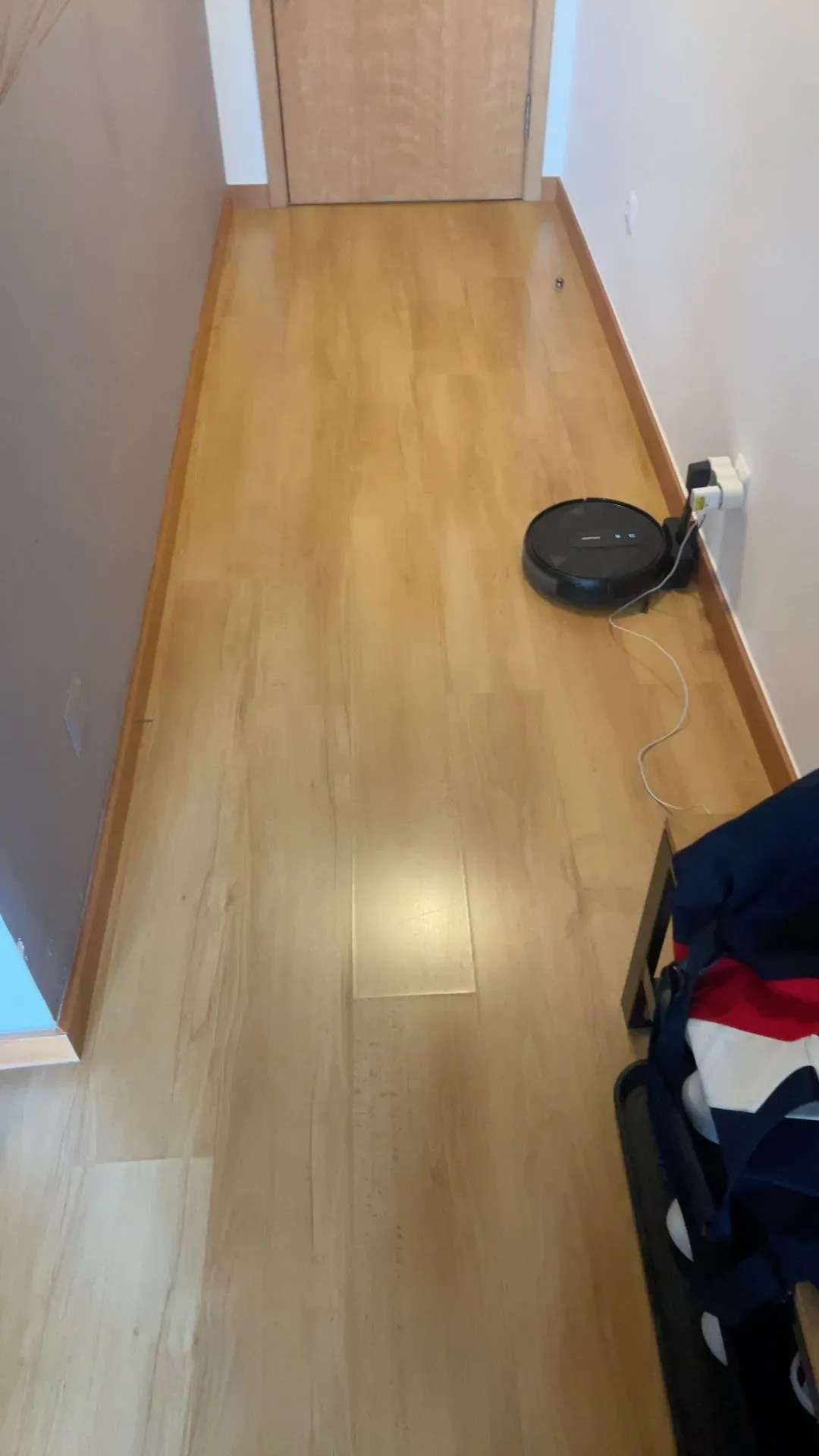
Entire Space · Floor
Condition
Cleanliness
Good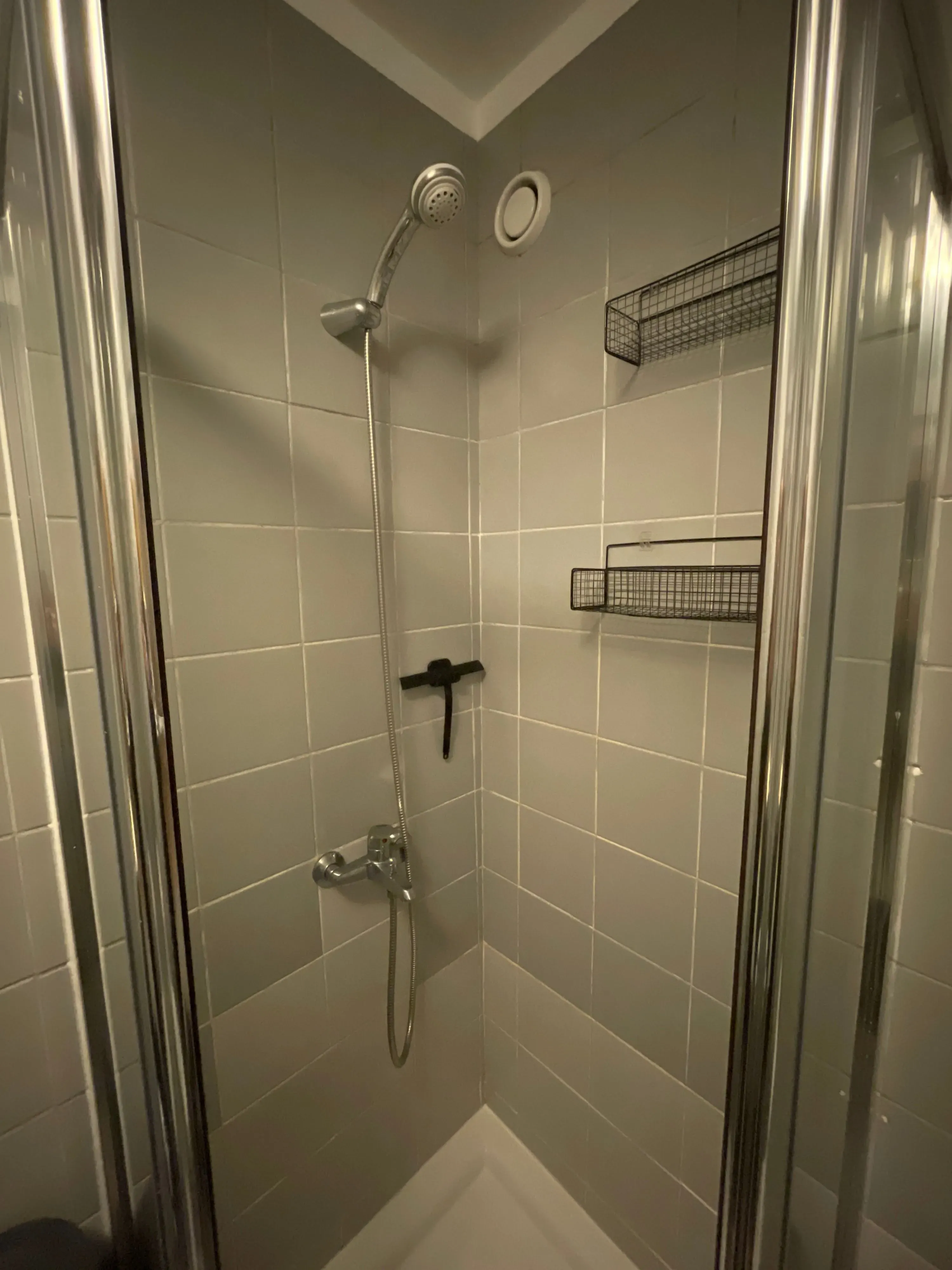
Installed Fixture
Condition
Worn1Cleanliness
Good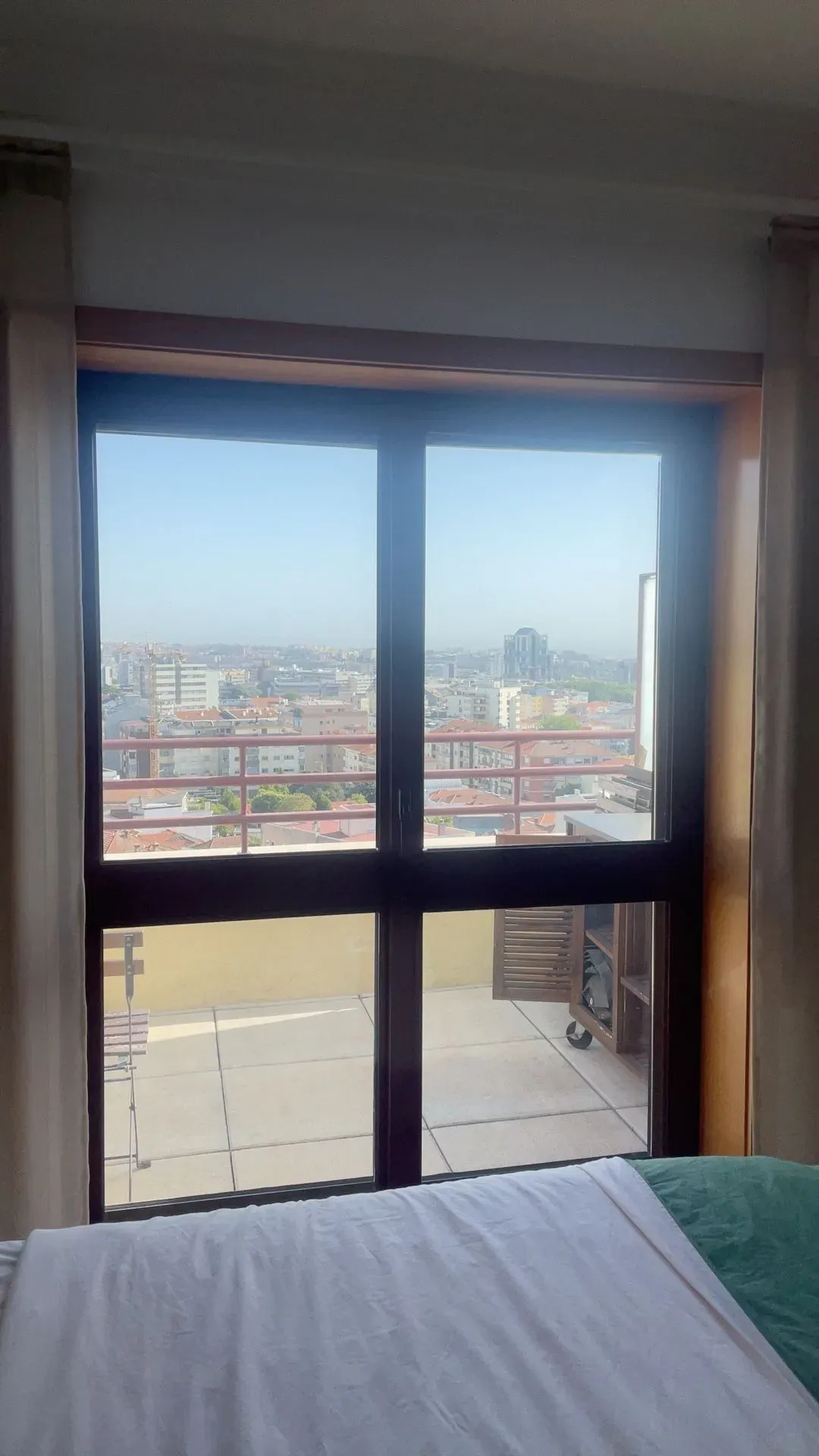
Door
Condition
Cleanliness
Good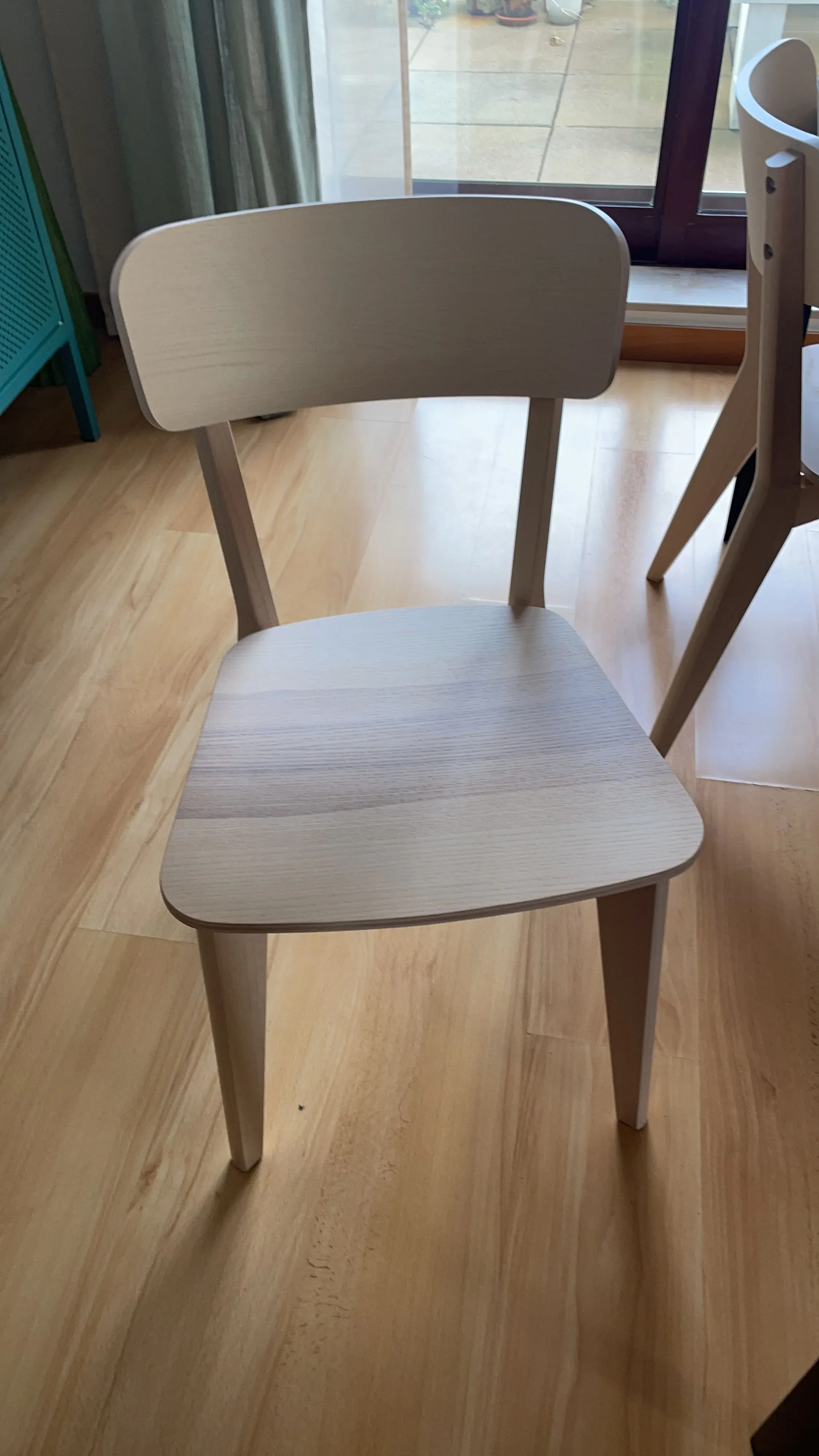
Furniture
Condition
ExcellentCleanliness
Excellent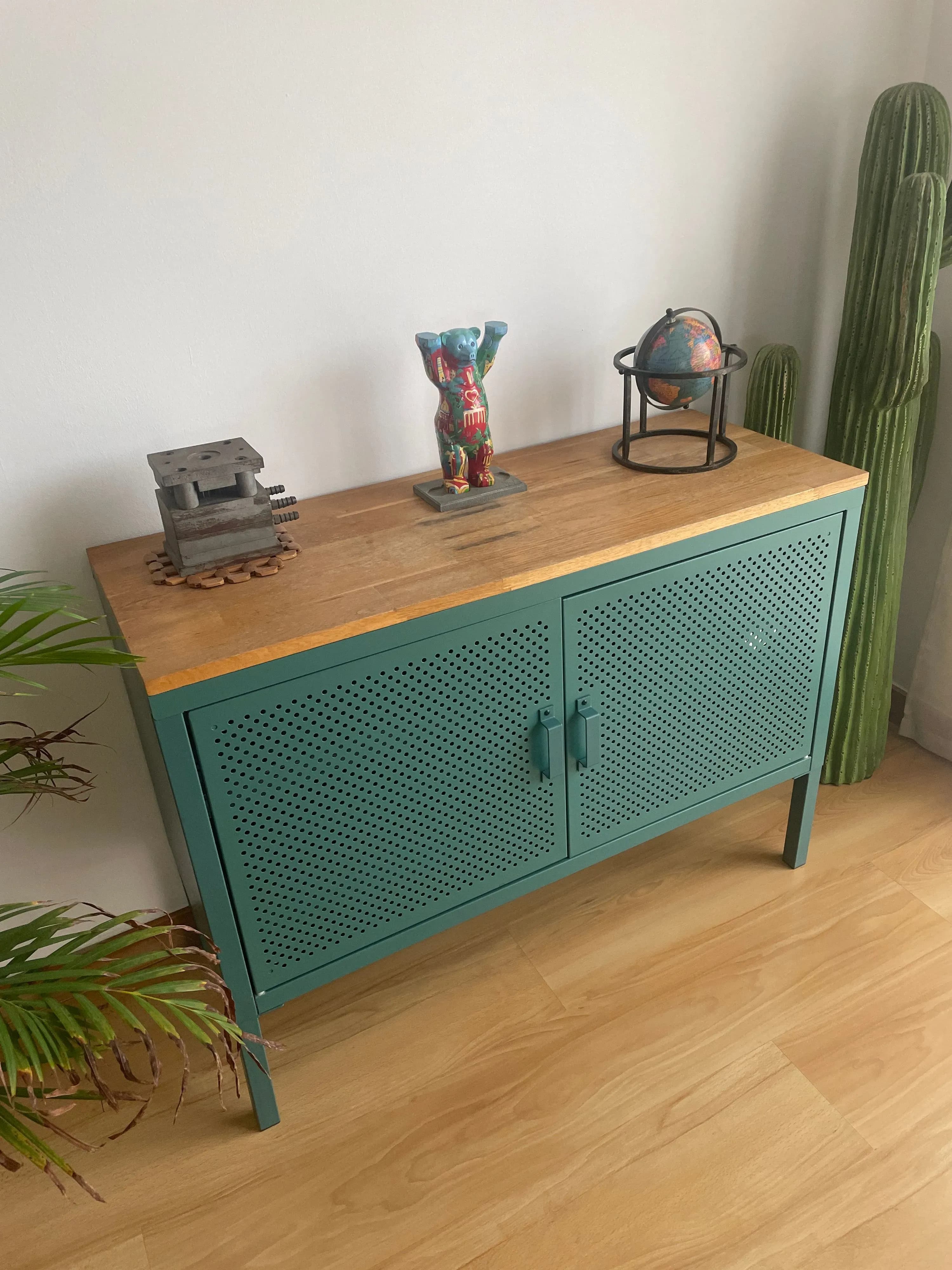
Furniture
Condition
GoodCleanliness
Good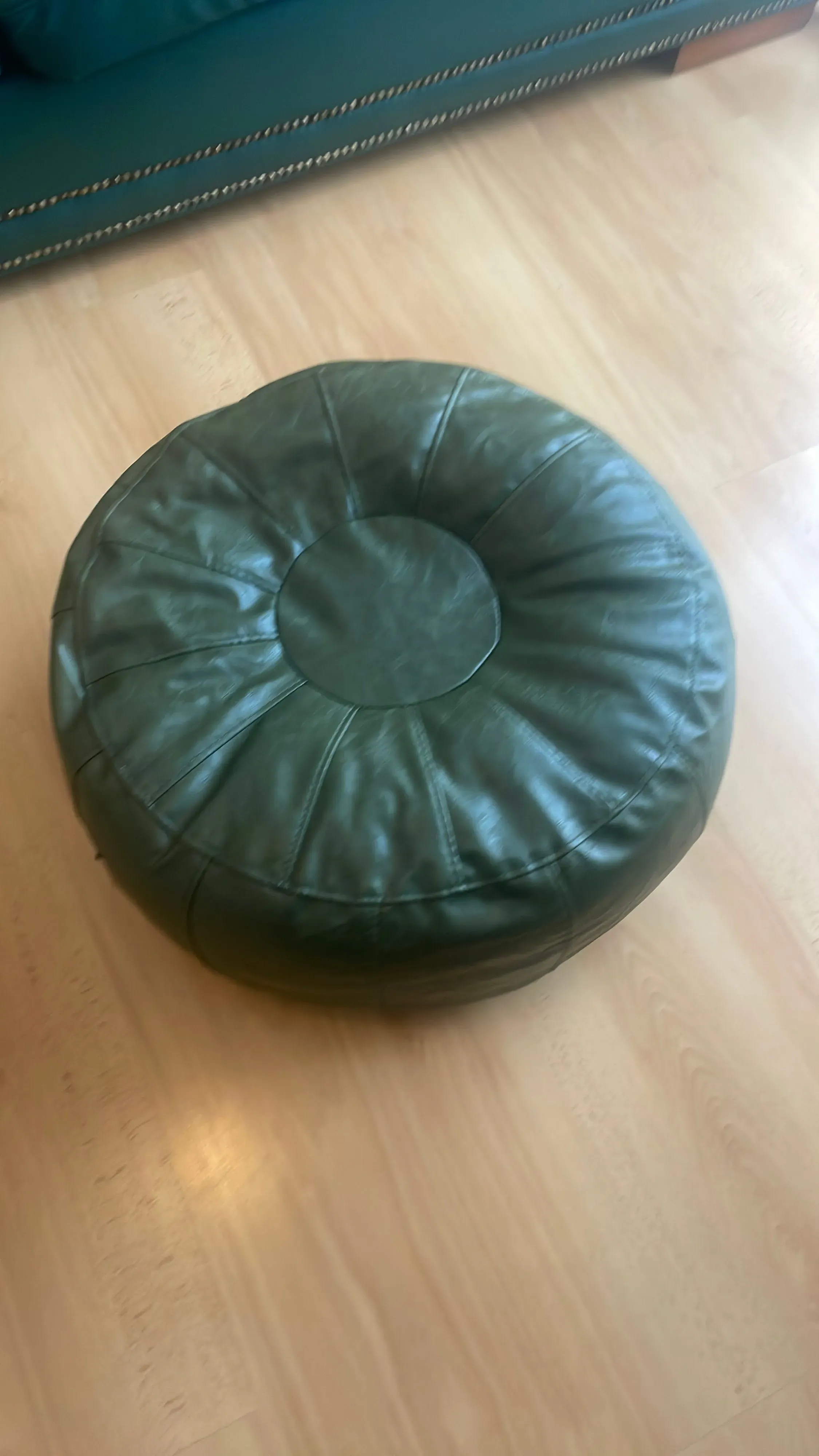
Furniture
Condition
GoodCleanliness
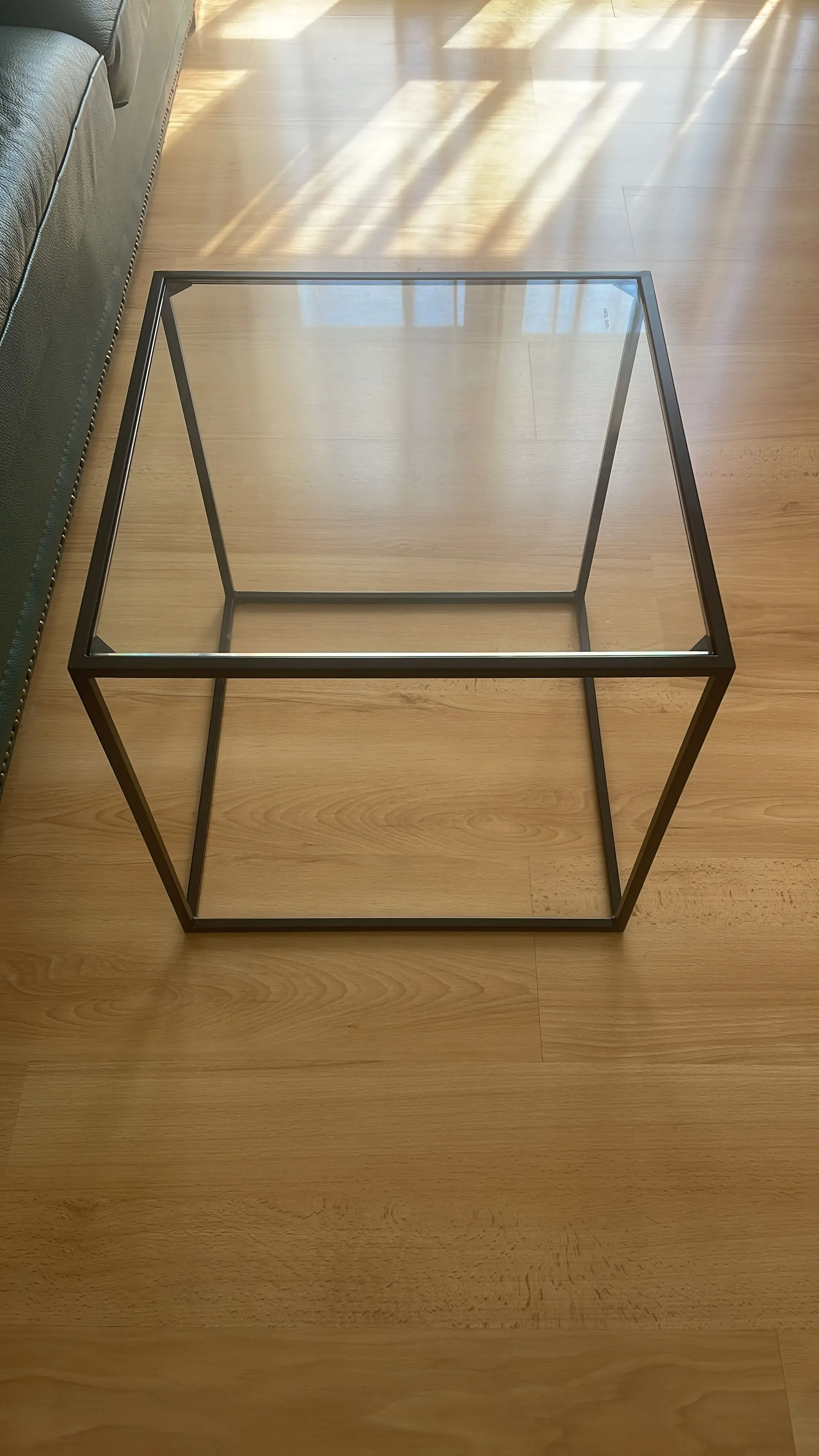
Furniture
Condition
ExcellentCleanliness
Good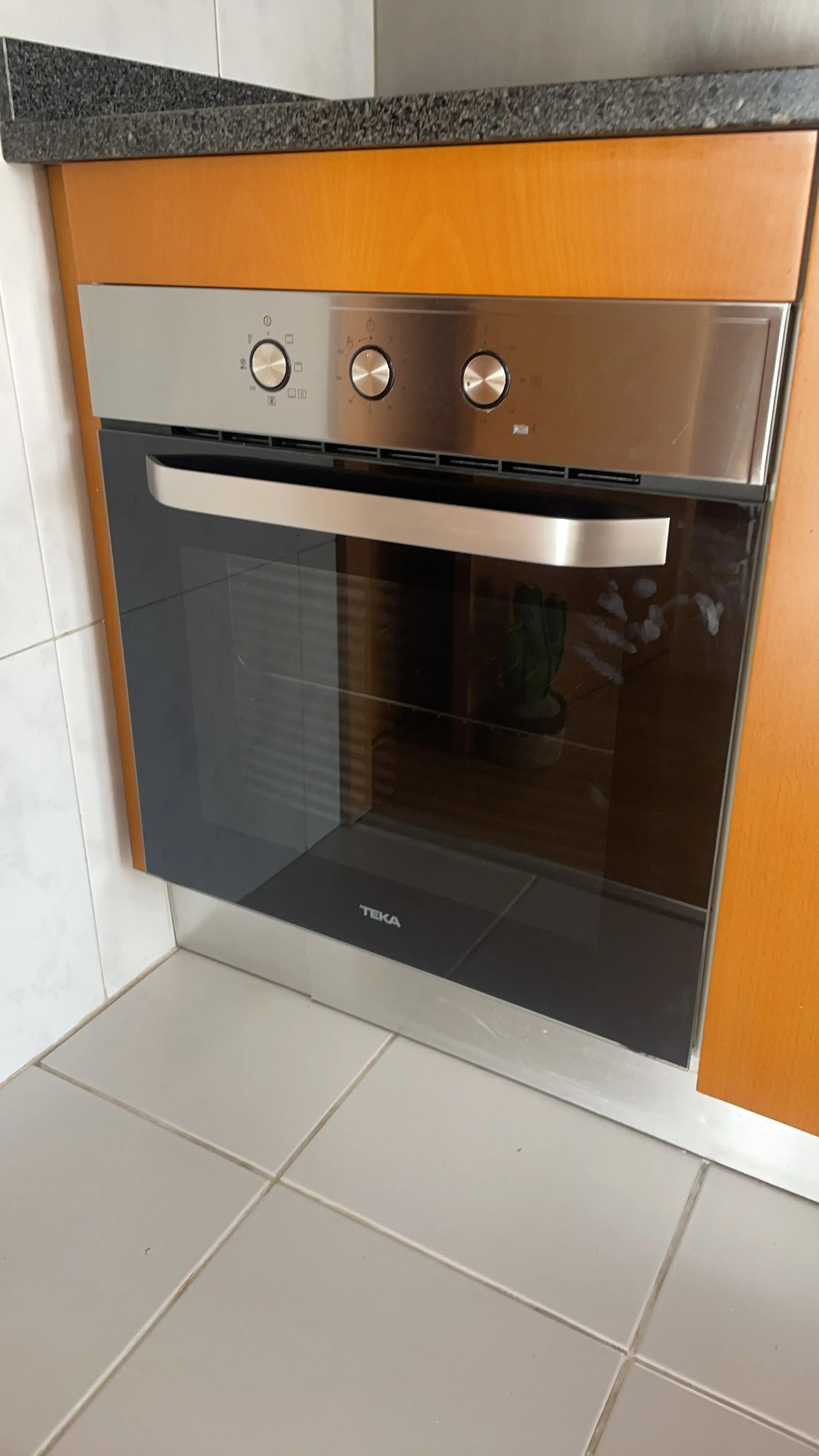
Installed Appliance
Condition
Cleanliness
Report Features
YOUR INVENTORY, ALWAYS CURRENT
Photos, item details, condition, issues and inspection history stay connected in one living inventory — ready for the next inspection, report or tenancy.
Source of truth with live item data.
Copy the relevant inventory into your lease agreement.
Inventory record
1,248
Items
86
Spaces
37
Issues
214
Reports
Total and per space
Total time
42 min
Every change stays traceable.
Dining table
LIV-012Condition history
Inspection · Today
GoodInspection · 14 May 2026
WornMove-in inspection · 02 Jan 2026
Like NewType mix and condition
Movables
Immovables
Condition
Built-in consistency, history, and insight
Mono gives each relevant item a persistent visual record, making it easier to identify damage, missing items, cleanliness issues, and replacement needs.
Our pricing model balances access and usage: one low subscription for unlimited inventory, plus credits for the inspection reports you actually create.
Both plans give you access to all product features. Choose based on how many inspections you run, because each plan includes discounted credits.
€4.99/month
For individual landlords and smaller furnished portfolios.
10 credits
Added every month
€49.99/month
For larger portfolios with frequent inspection workflows.
100 credits
Added every month
Add credits whenever you need more inspections.
1 credit = 1 inspection
Unused credits accumulate and never expire
10-credit pack
€9.99
One-time purchase
100-credit pack
€99.99
One-time purchase